Design compliant CCTV systems on a real hospital floor plan
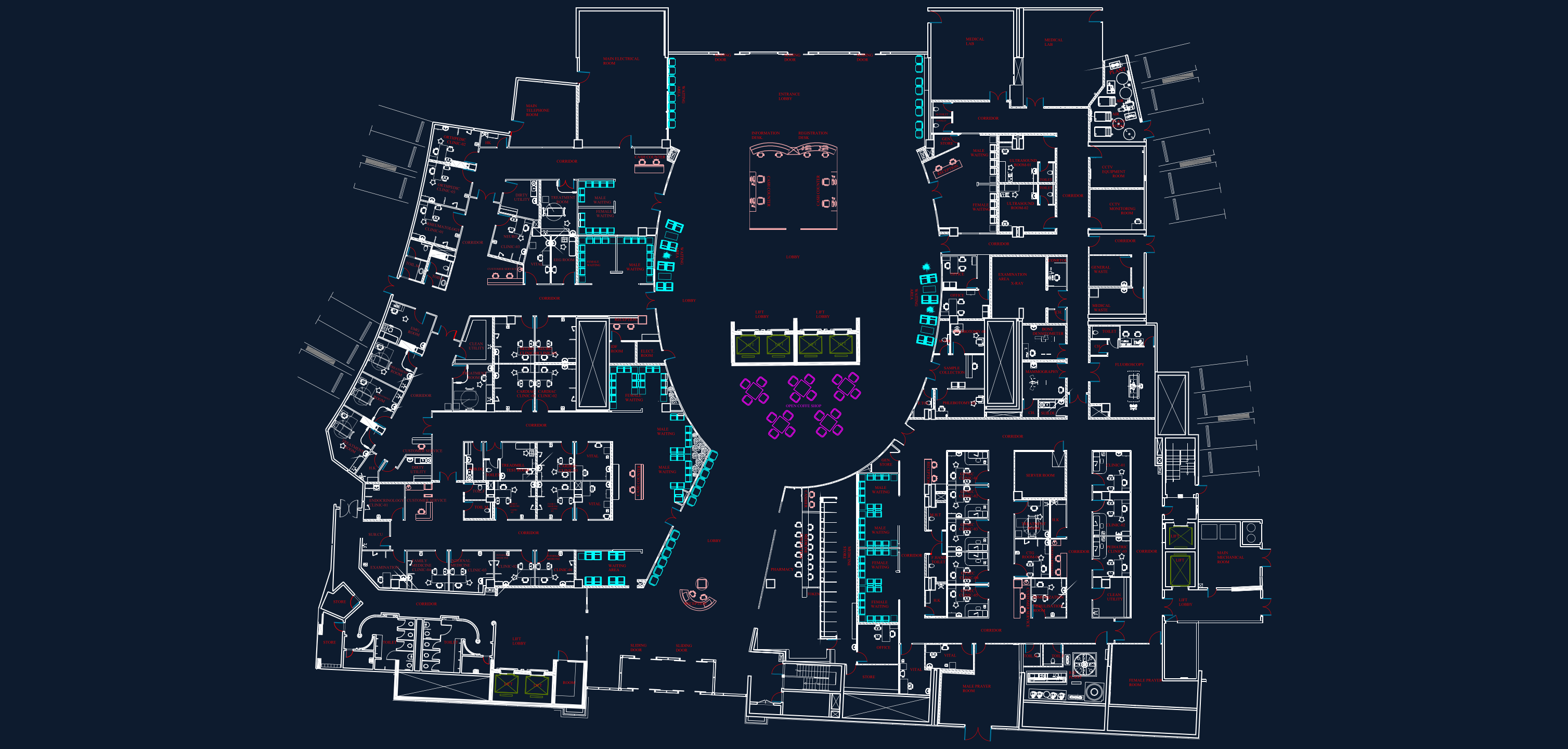
This studio goes beyond training slides: place cameras directly on an actual AutoCAD hospital drawing, watch line-of-sight coverage computed against 7,490 real wall segments, and validate every room against MCC coverage classes — in English or Arabic.
MCC Coverage Classes — Clause 28
Every camera in the designer is assigned one of these operational requirement classes. The class drives pixel density, frame rate and the maximum usable range simulated on the plan.
How the studio works
Real DWG geometry
Hospital.dwg was parsed layer-by-layer: 38,027 polylines, 290 room labels and the full equipment legend were extracted and converted into an interactive model.
Line-of-sight simulation
Camera cones are ray-cast against real walls, so coverage stops where the building stops it — not where a marketing diagram pretends it does.
Live compliance audit
Each sensitive room (pharmacy, cashier, entrances, lifts…) is checked in real time against its required MCC class, with power and storage budgets updating as you design.
Plan Inspector — Hospital.dwg
Automated engineering read-out of the uploaded drawing. Everything below was extracted from the actual DWG file — no mock data.
📐 Hospital.dwg
Head-end legend found in drawing
CCTV layers detected
The drawing already carries dedicated CCTV design layers, including dome / bullet symbol blocks and coverage-class hatch annotations (Detection, Identification, Recognition) matching MCC terminology.
Generated room requirements
Rooms were classified from their extracted labels into MCC coverage classes. Open any of them in the designer to verify coverage.
Field Case Study — from drawing to hand-over
Real photographs from a large indoor venue & retail deployment. Nine installation practices, each solving a constraint the floor plan never warned about.
Knowledge Assessment
10 questions covering MCC coverage classes, the hospital design and field practice. 80% to pass.